

Choosing the best wireless charging station is easier said than done. With so many designs, charging speeds, and compatibility rules, it’s hard to know which one truly works well for iPhones, Apple Watch, and AirPods.
A good wireless charging station should charge everything safely, reduce cable mess, and make your daily routine easier.
In this guide, you’ll learn what features matter most, which chargers perform best, and how to pick a model that fits your lifestyle.
If you want a single charger for your entire Apple setup, this guide will help you choose the right one with confidence.
Quick Takeaways:
- The best wireless charging station should charge your iPhone, Apple Watch, and AirPods at the same time without overheating or slowing down.
- Look for MagSafe support, fast charging output, stable magnets, and strong safety features.
- Foldable, travel-friendly designs save space and reduce cable clutter.
- The Chesona 3-in-1 Wireless Charging Station is the best affordable pick thanks to fast charging, portability, and strong device compatibility.
Chesona Products You May Also Like
Explore More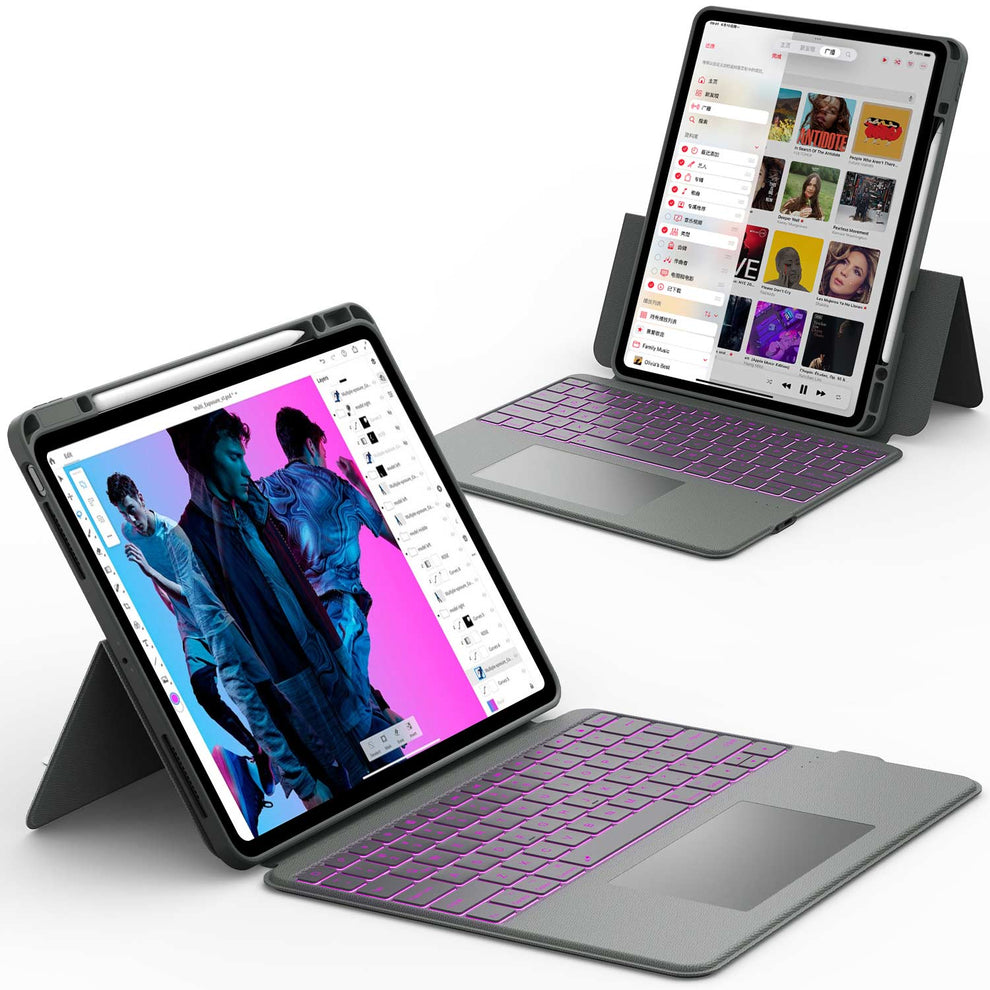


What Makes the Best Wireless Charging Station Today
A strong wireless charging station must be fast, safe, Apple-friendly, and easy to use.
Fast Charging Support for iPhones and Apple Watch
The best chargers support:
- 15W MagSafe fast charging for iPhone 12 to 15 series
- 5W charging for all Apple Watch models
- Wireless charging for AirPods with a wireless case
Fast charging matters because it reduces downtime and keeps your device ready throughout the day.
Compatibility With the Apple Ecosystem
A proper charging station should support:
- iPhone
- Apple Watch
- AirPods
- MagSafe cases
- USB-C fast power bricks
If a charger does not support one of these, you’ll end up needing extra cables anyway.
Safety Features and Heat Control
Heat affects battery health. The best chargers include:
- Temperature protection
- Overcharge protection
- Foreign object detection
- Stable power output
These protect your iPhone battery in the long run.
Portability and Foldable Designs
Many users travel with their chargers. A foldable, lightweight design removes the need to carry three separate chargers and cables.
Best Wireless Charging Station Picks for Every Need
These categories help you find a charger based on your lifestyle.
Best Overall Wireless Charging Station
The best overall charger should have:
- True MagSafe charging
- A stable stand
- Fast output
- Strong magnets
- Multi-device support
Most premium chargers fall under this category, but their price may not suit everyone.
Best Affordable Wireless Charging Station

⭐ Chesona 3-in-1 Wireless Charging Station
This is the best budget pick because it delivers reliable performance at a very friendly price.
Why it’s the top affordable choice:
- Fast magnetic charging for iPhone
- Apple Watch charging pad built-in
- AirPods charging dock
- Foldable and perfect for travel
- Strong magnets keep your iPhone in place
- Stable build that prevents overheating
- Works with MagSafe cases
- Only one cable is needed
If you want a 3-in-1 charger without spending too much, this one offers the best value.
Best MagSafe Charging Dock for Fast Charging
Ideal for users who want a fixed nightstand or work desk setup. These models usually deliver full 15W charging consistently.
Best Travel Wireless Charging Station
Look for:
- Foldable design
- Lightweight body
- Detachable cables
- Universal compatibility
- These work well for business trips, hotels, and backpacks.
Best 3-in-1 Wireless Charger for Apple Users
These chargers support iPhone, Apple Watch, and AirPods all at once, reducing cable clutter. The Chesona model is also in this category.
📖 Read Related Article: Best Charging Station for Multiple Apple Devices
How to Choose the Best Wireless Charging Station
Picking the right charging dock is easier when you understand what makes a charger reliable.
Check Power Output and Charging Speed
Charging speed matters more than design.
iPhone charging speeds:
- MagSafe: 15W (fastest for iPhone)
- Qi chargers: 7.5W
Apple Watch:
- 5W is the standard maximum
AirPods:
- 5W charging, fast and safe
If a charger uses low output, charging will take hours longer.
Look for True Multi-Device Support
Some stands claim “3-in-1” but use slow coils or weak compatibility.
True support means:
- Separate coil for iPhone
- Separate dock for Apple Watch
- Dedicated pad for AirPods
Understand the Importance of MagSafe Alignment
MagSafe chargers use magnets to align the phone correctly. Without alignment, heat increases and charging slows down. Good magnetic alignment makes a big difference in speed and safety.
Consider Build Quality and Stability
Stable material keeps your iPhone from sliding. Cheap plastic stands wobble, making charging unreliable. Look for:
- Metal hinges
- Heavy base
- Strong magnet ring
These affect long-term durability.
📖 Read Related Article: What Is Qi Wireless Charging? All You Need to Know
Benefits of Using a Wireless Charging Station vs Traditional Chargers
Wireless charging stations give you a cleaner, easier, and more organized way to power your devices. Instead of dealing with multiple cables and chargers, you get a single setup that works for phones, earbuds, and smartwatches. This makes wireless stations a practical upgrade for both home and travel use.
Eliminates Cable Clutter
A wireless charging station replaces several tangled cables with one clean charging base. This reduces the mess on your desk, nightstand, or work area.
You also avoid worn out cables that break over time. A cleaner surface makes it easier to manage your devices and maintain a tidy space.
Protects Battery Health With Stable Charging
Wireless charging delivers a steady and controlled power flow. This helps prevent sudden voltage spikes that can wear down your battery.
Many stations include temperature monitoring to reduce heat build up. Over time, this steady charging pattern supports better long term battery health.
Perfect for Nightstands and Work Desks
A wireless station keeps all your daily devices in one organized spot. You do not need to search for chargers at night or deal with loose cords around your workspace.
It also ensures your phone, earbuds, and watch charge at the same time and are ready when you wake up or start work.
Great for Travel and Daily Commutes
Foldable or compact 3 in 1 charging stations save space in your bag. They reduce the need to pack multiple chargers for each device.
This is especially helpful during flights, hotel stays, or long workdays. With one station, you stay prepared without carrying bulky cables.
📖 Read Related Article: AirPod Case Not Charging? Easy Fixes and Troubleshooting Tips
Is Wireless Charging Safe for Your iPhone and Apple Watch?
Yes, wireless charging is safe for your iPhone and Apple Watch as long as you use certified chargers.
Apple designs its devices to work with trusted charging standards, so the built-in system protects your battery from damage, overheating, and unstable power.
Problems usually come from low-quality chargers, not from wireless charging itself.
How Wireless Charging Affects Battery Health
Wireless charging automatically slows down as your device gets closer to a full charge. This protects the battery from stress and reduces heat, which is important for long term battery health.
Apple also uses built in power management to stop charging when the device reaches one hundred percent, which helps limit battery wear.
Differences Between Qi and MagSafe Safety
MagSafe chargers use strong magnets to keep your iPhone centered on the charging coil. This alignment reduces heat, improves efficiency, and makes charging more stable.
Standard Qi chargers work well, but if the phone shifts out of position, it may charge slower or become warm. Good alignment plays a big role in safety and performance.
Why Trusted Brands Matter
A charger with low-quality coils or poor temperature control can cause overheating, slow charging speeds, or long-term battery damage.
Certified brands follow strict safety standards and use better materials to manage heat and deliver stable power.
Choosing reputable products ensures your iPhone and Apple Watch charge safely every time.
Conclusion
A good wireless charging station keeps your iPhone, Apple Watch, and AirPods powered up without the mess of cables. The best models offer fast charging, proper alignment, heat control, and multi-device support.
Whether you want a premium MagSafe charger or a budget-friendly 3-in-1 stand, choosing a reliable brand ensures long-term safety and convenience.
If you want an affordable charger that performs well, the Chesona 3-in-1 Wireless Charging Station is one of the top choices. It’s fast, foldable, and designed for the full Apple ecosystem. A simple upgrade like this can make your daily routine much easier and more organized.
Explore More Apple-Friendly Accessories
- Bluetooth Keyboard & Mouse
- iPad Pro M4 Case
- iPad 11 Pro Keyboard Case
- iPad Pro 13 Inch Keyboard Case
FAQs About the Best Wireless Charging Station
What is the best wireless charging station for iPhone and Apple Watch?
A 3-in-1 MagSafe charging station is the best choice because it charges your iPhone, Apple Watch, and AirPods at the same time. It keeps your desk organized and reduces cable clutter. The Chesona 3-in-1 Wireless Charging Station is a popular affordable option that offers fast and stable charging. It is designed for daily home or office use.
Do wireless charging stations work with all iPhones?
Most wireless charging stations support iPhone 8 and newer models. These phones work with standard Qi charging. For full 15W MagSafe charging speed, you need an iPhone 12 or newer. Always check compatibility before buying.
Why is my wireless charging station charging slowly?
Wireless charging can be slow if your phone is not centered on the charging pad. Thick cases, metal accessories, or weak power adapters can also reduce speed. Using a stronger power adapter and a MagSafe-compatible case helps improve charging performance. Proper alignment makes a big difference.
Can wireless charging damage my iPhone battery?
No. Certified wireless chargers include safety features that control heat and charging levels. They stop charging when the battery is full to prevent stress. Wireless charging is safe for daily use when you use reliable chargers and proper accessories.
Are MagSafe chargers better than Qi chargers?
Yes. MagSafe chargers snap into place and align perfectly with the iPhone’s internal coil. This improves charging speed and keeps the connection stable. Qi chargers work well, but MagSafe offers better efficiency and consistency.
